Tiếng Việt
 English
 简体中文

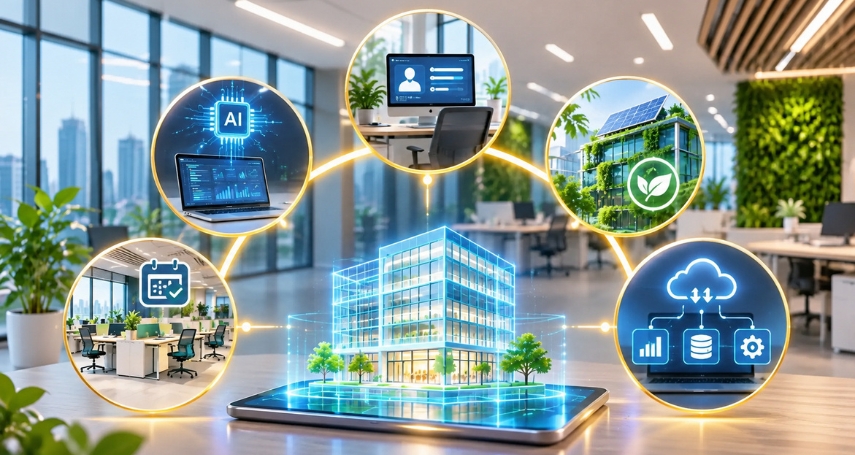
Growing demand for improved work efficiency and cost management is driving businesses to integrate technology into office spaces. The smart office model combines automation, IoT, and AI solutions to enhance operational efficiency and improve the employee experience. This article explores what a smart office is, along with its key features, benefits, and development trends.
1. What is a smart office?
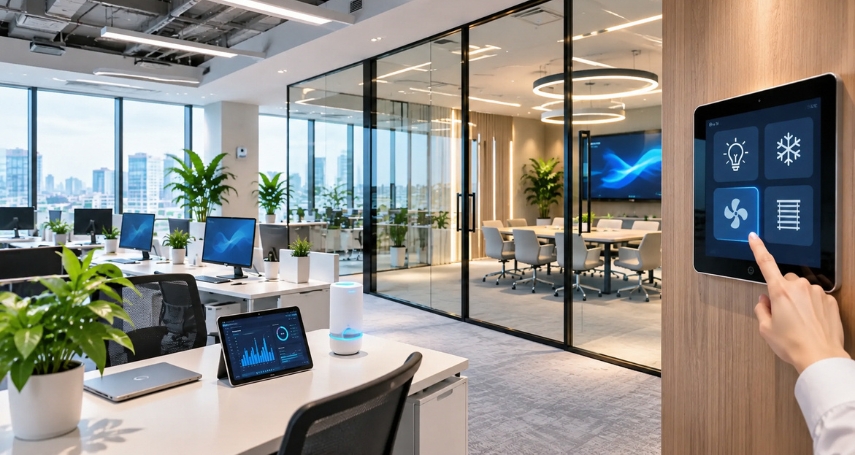
A smart office is a workspace model that uses IoT, AI, and automation systems to connect, manage, and control devices. This enables businesses to optimize operations, save energy, and enhance employees’ working experience.
Some key features of a smart office include:
- Automated operations: Devices such as lighting, air conditioning, and curtains can automatically adjust based on schedules, sensors, or user settings.
- IoT device connectivity: Equipment, sensors, and technical systems are interconnected, allowing centralized monitoring and control.
- Data-driven space management: The system records how meeting rooms, workstations, and shared areas are used, helping businesses allocate space more efficiently.
- Modern security control: Access permissions are managed through access cards, QR codes, biometric recognition, or mobile devices.
- Enhanced employee experience: Employees can book meeting rooms, reserve workstations, and adjust lighting and temperature through applications or control panels.
2. Technologies used in smart offices
Smart offices are built on multiple technology groups that can connect and support one another. Depending on their scale, budget, and operational needs, businesses can implement the following solutions:
2.1. Smart management applications
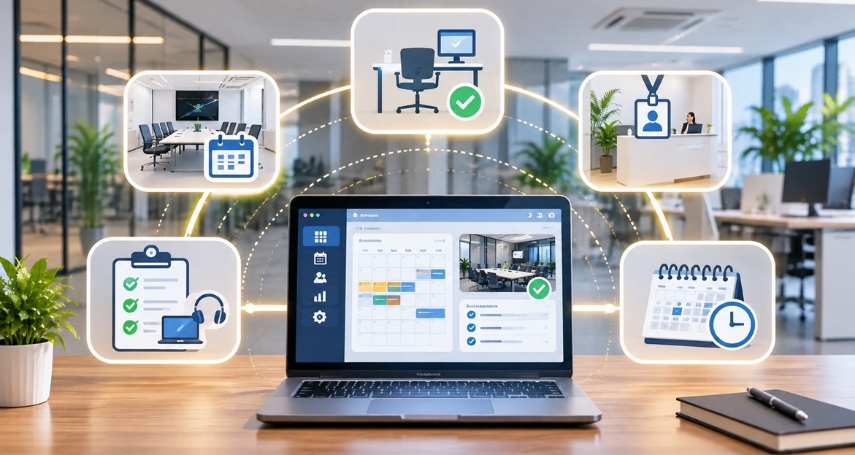
Smart management software digitizes administrative and office operations, replacing many manual registration and tracking processes. Employees and management teams can use computers or mobile phones to perform tasks such as:
- Meeting room booking: Check availability and reserve meeting rooms and the equipment needed for meetings.
- Workstation reservation: Select workstations by day or according to a flexible working schedule.
- Office visitor management: Send invitations, register visitor information, and notify the person responsible for welcoming guests.
- Asset and equipment tracking: Manage usage status, maintenance schedules, and repair requests.
- Work schedule management: Synchronize meeting schedules, space booking calendars, and departmental work schedules.
For businesses adopting a hybrid working model, booking software also allows employees to proactively choose their workstations when coming to the office, helping prevent seat shortages and inefficient space utilization.
2.2. Smart furniture
Smart furniture refers to equipment integrated with technology to enhance convenience, support adjustments based on user needs, and optimize office space. Common applications include:
- Height-adjustable desks: Allow users to switch between sitting and standing positions using buttons or electronic controls.
- Desks with built-in charging: Equipped with USB ports, power outlets, or wireless charging pads for convenient connection of personal devices.
- Smart meeting rooms: Integrated with presentation screens, cameras, microphones, and video conferencing systems.
- Smart lockers: Use PIN codes, access cards, or applications to manage access to personal lockers.
- Integrated booking devices: Connect workstations or meeting rooms to reservation software and display their usage status.
2.3. Smart building management systems
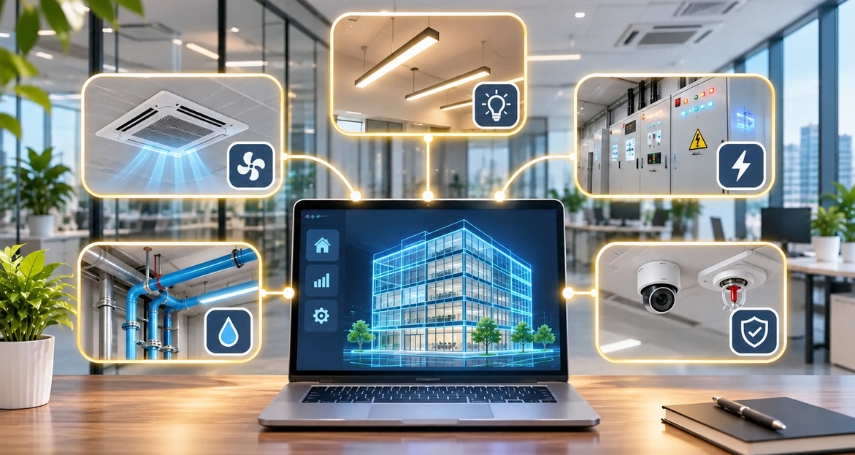
A smart building management system (BMS – Building Management System) is a platform for centrally monitoring and controlling a building’s technical systems. Through BMS, building operators can monitor equipment status, detect abnormalities, and adjust operations according to actual needs.
Commonly integrated systems include:
- Air conditioning and ventilation systems: Monitor temperature, humidity, and airflow, and adjust equipment operation accordingly.
- Lighting systems: Control lighting based on schedules, occupied areas, or sensor signals.
- Electrical systems: Monitor electricity consumption and power supply status, and issue alerts for certain technical incidents.
- Water supply and drainage systems: Monitor the operation of pumps, storage tanks, and related equipment.
- Safety engineering systems: Connect with monitoring and alert systems to support building operations in accordance with the building’s design.
2.4. Security systems and automated access control
Instead of relying entirely on mechanical keys or visitor logbooks, smart offices can use electronic identification and authentication technologies to control access. These systems enhance security while helping businesses manage access permissions for different areas.
- Access card control: Employees use personal access cards to enter areas for which they have been granted permission.
- Biometric recognition: Fingerprint or facial recognition is used to verify identities.
- QR codes or mobile applications: Provide temporary access permissions for customers, partners, or authorized employees.
- Surveillance cameras: Monitor areas such as lobbies, corridors, entrances, exits, and equipment storage areas.
- Access history management: Record access times, locations, and authentication information for review when necessary.
2.5. IoT device connectivity and control systems
IoT (Internet of Things) allows physical devices to connect to the internet or an internal network to exchange data and execute control commands. In smart offices, this technology connects individual devices to create a synchronized operating environment.
Data collected through IoT can be aggregated to analyze space usage frequency, energy consumption, and environmental conditions. This gives businesses a basis for adjusting office layouts and operational plans.
Some practical applications include:
- Occupancy sensors: Detect whether a room is occupied and adjust lighting and air conditioning according to preset settings.
- Environmental sensors: Monitor temperature, humidity, CO₂ levels, and air quality.
- Remote device control: Manage lighting, air conditioning, curtains, and electrical devices through applications.
- Space utilization monitoring: Record occupancy status at workstations, in meeting rooms, and in shared areas.
- Incident alerts: Send notifications when sensors or connected devices detect abnormalities.
3. Benefits of using smart offices for businesses
Integrating technology into workspaces not only modernizes offices but also helps businesses optimize resources and improve operational efficiency. Key benefits include:
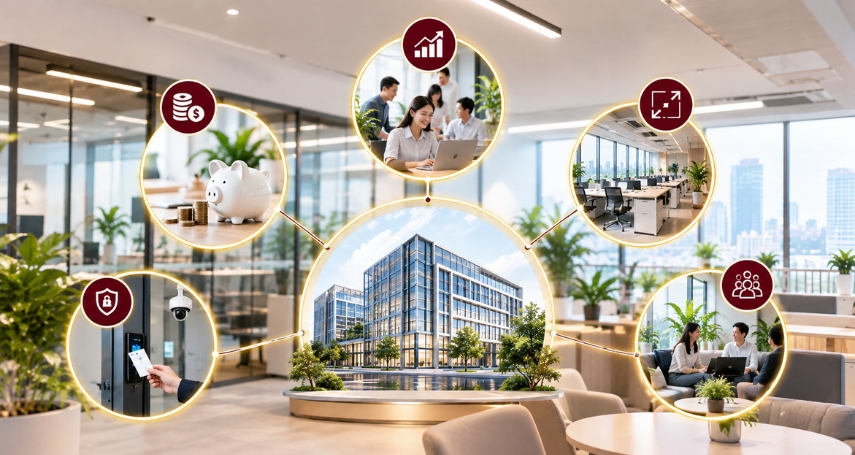
- Reduced operating costs: Automatically adjusting lighting, air conditioning, and equipment according to actual needs helps reduce unnecessary energy consumption.
- Improved work productivity: Employees can easily book meeting rooms, find workstations, and use equipment without spending excessive time on manual tasks.
- Optimized office space: Space utilization data helps businesses identify frequently overcrowded or underused areas and adjust their layouts accordingly.
- Enhanced security: Access control systems, cameras, and alerts help manage visitors and protect assets and important areas.
- Improved employee experience: A working environment with adjustable lighting, temperature, and amenities tailored to user needs helps employees feel more comfortable.
4. Which businesses are suited to smart offices?
Smart offices can be applied across various industries, but they are particularly suitable for businesses that need flexible space management, use multiple technology devices, or want to optimize operational processes.
Businesses that may benefit include:
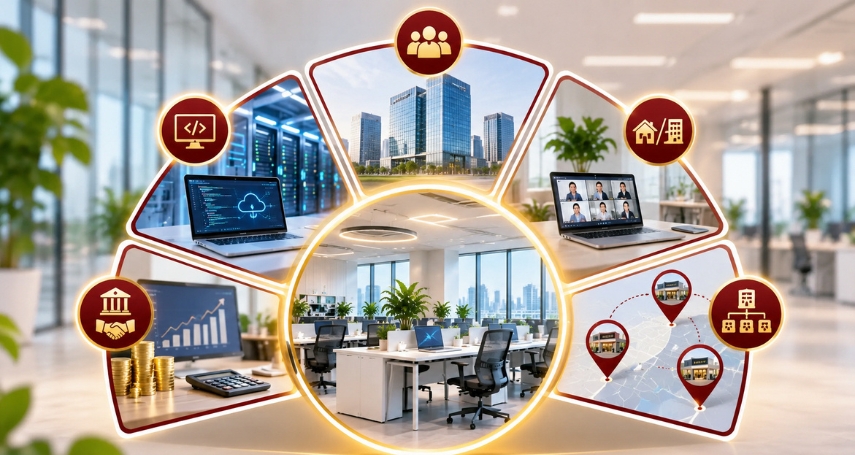
- Technology and IT companies: Need to connect devices, manage network systems, secure data, and build a modern working environment.
- Medium-sized and large enterprises: Have multiple departments, employees, and functional areas, requiring centralized management systems to oversee operations.
- Businesses adopting hybrid working: Need booking software, work schedule management, and tools to monitor workstation and meeting room usage.
- Financial and consulting firms: Prioritize security systems, access permissions, and equipment management to protect important information.
- Businesses with multiple branches: Need to standardize management processes, monitor operations, and control facilities across different locations.
5. Future development trends of smart offices
In the coming years, smart offices will continue to develop toward greater automation, personalization, and data-driven management. Notable trends include:
- Applying AI to office management: AI helps analyze space utilization data, forecast demand, and recommend suitable office layout solutions. However, its effectiveness depends on the quality of input data.
- Personalizing the working experience: Systems can remember or recognize preferred settings to adjust lighting, temperature, and amenities according to each user’s needs.
- Developing green and energy-efficient offices: Sensors, energy management systems, and automated controls help monitor consumption and reduce resource waste.
- Enhancing flexible workspace management: Booking technology, occupancy sensors, and utilization density analysis help businesses manage hybrid working models more effectively.
- Integrating data on a single platform: HR, equipment, meeting room, and building management systems are increasingly being connected to reduce data fragmentation and support decision-making.
According to JLL’s Global Occupancy Planning Benchmark 2026 report, businesses are paying greater attention to the accuracy of space data and AI-ready platforms. This indicates that the development of smart offices is moving beyond device automation toward workspace management based on actual data.
6. Contact A-Connection to find an office that suits your business
In addition to choosing a smart office model, businesses need to consider the building’s location, floor area, budget, and technical infrastructure. A-Connection helps businesses find office spaces for lease that meet their usage requirements and operational plans.
Benefits of contacting A-Connection:
- Diverse options: Explore a wide range of office spaces in different areas.
- Needs-based consultation: Get support in finding offices based on floor area, location, and budget.
- Time savings: Narrow down options and simplify the office rental process.
- Connection support: Access office space information and contact consultants when needed.
Smart offices use IoT, AI, and automation systems to optimize space management, reduce operating costs, and enhance the employee experience. To find an office space with a location, floor area, and infrastructure that align with their development plans, businesses can contact A-Connection for consultation and support in finding suitable office rentals.
Read more: